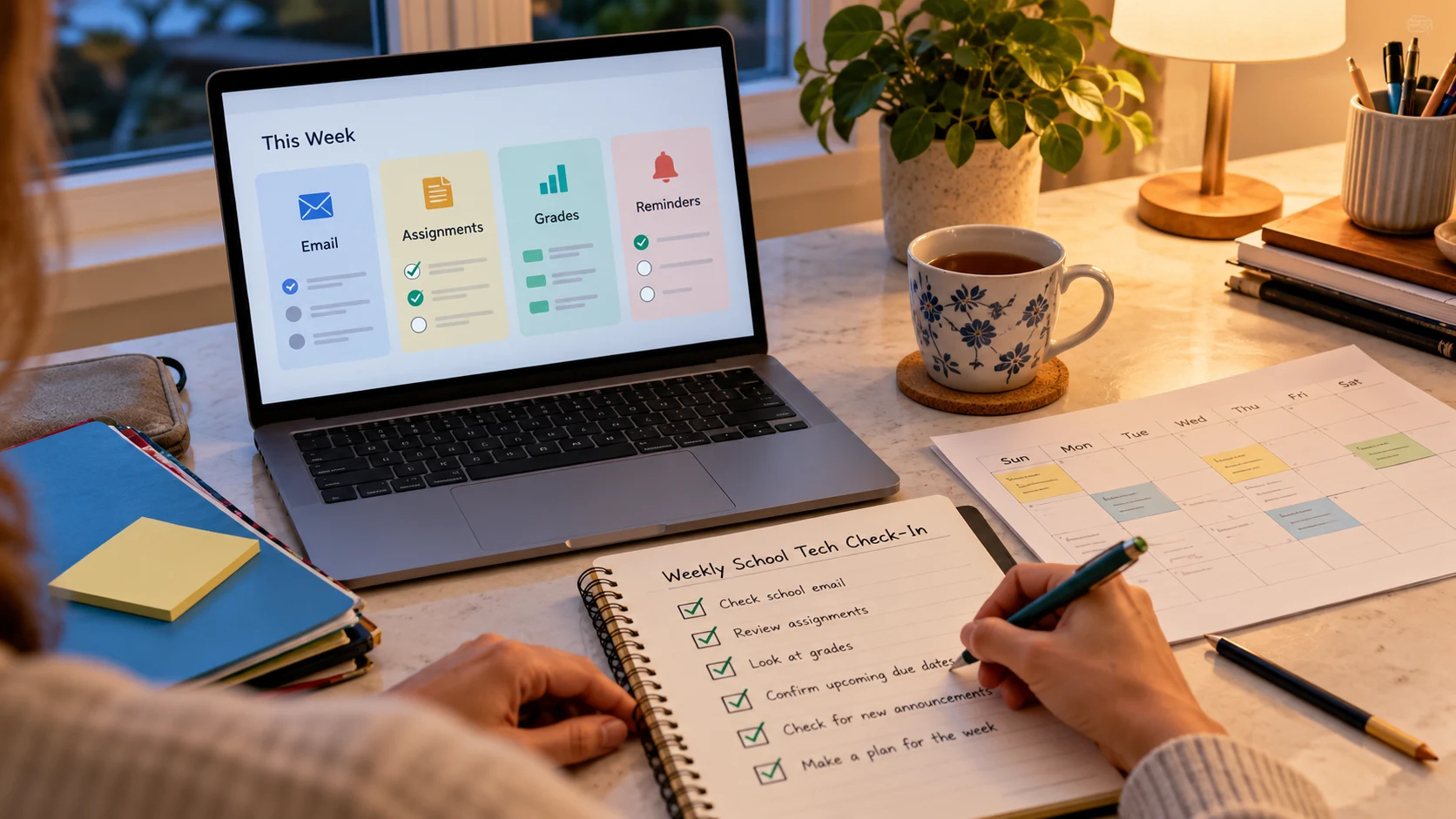
Our weekly school technology check-in is a simple 15-minute routine to review assignments, grades, and school notifications together.
School information can come from many different places now. One message may arrive by email. Another update may be posted in Google Classroom or Canvas. Grades may appear in Skyward or another gradebook. A teacher may also send a reminder about a project, form, or upcoming conference.
For many parents, checking everything every day is not realistic.
In our home, I have found that weekends are often the easiest time to catch up. During the week, school mornings are busy, evenings can be full, and it is easy to tell myself that I will check the apps later. By the weekend, I sometimes realize that several school updates are waiting in different places.
That is why a simple weekly school tech check-in can help. It gives parents one regular time to review school information without turning every day into a stressful search.
1. Pick One Regular Time Each Week
The first step is choosing a time that is realistic.
For many families, this might be:
- Friday evening
- Saturday morning
- Sunday afternoon
- Sunday evening before the new school week
The exact time does not matter as much as making it consistent.
Sunday evening works well for many parents because it gives the family time to prepare for Monday. But if Sunday is too busy, Saturday morning may be better.
The goal is not to spend a long time. Even 15 or 20 minutes can help.
2. Start With School Email
Email is often the easiest place to begin because many school updates still arrive there.
During a weekly check-in, look for:
- Teacher messages
- School announcements
- Conference reminders
- Forms or attachments
- Schedule changes
- Messages about missing work
- Upcoming events
If an email needs action, do not leave it buried in the inbox. You can flag it, star it, move it to a school folder, or add a phone reminder.
A simple rule helps:
If the email requires action, capture the next step right away.
3. Check the Main School App
After email, check the main school app your child uses most.
This may be:
- Google Classroom
- Canvas
- Schoology
- Seesaw
- Another school learning platform
Look for recent assignments, due dates, teacher comments, and announcements.
The goal is not to read every old post. Focus on what affects the coming week.
Useful questions to ask:
- Is anything due soon?
- Is there a new project?
- Did the teacher post instructions?
- Are there assignments that need parent support?
- Is anything confusing enough to ask about?
This step helps parents see what the student may need to work on next.
4. Review the Gradebook Without Overreacting
Online gradebooks can be helpful, but they can also create stress if parents check them too often.
During a weekly check-in, review the gradebook calmly. Look for patterns instead of reacting to every small change.
Check for:
- Missing assignments
- Sudden grade drops
- Repeated low scores
- Classes that need attention
- Assignments marked incomplete
If your school uses Skyward or another parent portal, the gradebook can show useful information. But remember that gradebooks are not always updated instantly. Sometimes work has been turned in but not graded yet.
If something is unclear, write it down before asking the student or teacher.
5. Make a Short Action List
After checking email, school apps, and the gradebook, make a short list.
Keep it simple.
For example:
- Check Canvas English assignment
- Ask about missing math worksheet
- Sign school form
- Email teacher about conference time
- Review science project due date
- Add reminder for Friday deadline
A short list is better than trying to remember everything.
If the list gets too long, choose the top two or three items first. Parents and students can easily feel overwhelmed when the list looks endless.
6. Talk With Your Child Calmly
A weekly check-in should not feel like an interrogation.
Instead of starting with, “Why is this missing?” try starting with:
“Let’s look at what needs attention this week.”
or
“I saw a few items in the school app. Can we check them together?”
The tone matters. If the conversation starts calmly, the student may be more willing to explain what happened.
Sometimes a missing assignment is not really missing. Sometimes the student submitted it in the wrong place. Sometimes the teacher has not graded it yet. A calm check-in gives the family time to figure it out.
7. Add Important Deadlines to Your Phone
If something has a deadline, add it to your phone calendar or reminders.
This works well for:
- Project due dates
- Permission slips
- Parent-teacher conferences
- Test dates
- School forms
- Assignment resubmission deadlines
Do not rely only on memory. School information moves too quickly, and parents already have many things to track.
A good reminder should include the action and the place.
Example:
Sunday 7 PM - Check Canvas science project
or
Thursday 8 PM - Put signed form in backpack
Clear reminders reduce last-minute stress.
8. Save Important Files Right Away
If you find an important PDF, worksheet, or form during the weekly check-in, save it in one place.
This could be a school folder on your computer, Google Drive, OneDrive, or another folder you use regularly.
Useful folder names might be:
School Files
2026-2027 School Year
Forms to Sign
Needs Attention
The system does not need to be fancy. It only needs to help you find the file again later.
9. Keep the Routine Small Enough to Continue
The most important part of a weekly school tech check-in is keeping it simple.
A realistic routine might be:
- Check school email
- Check the main school app
- Check the gradebook
- Make a short action list
- Add reminders for deadlines
That is enough for most weeks.
If the routine becomes too complicated, it will be hard to continue. A small routine that happens every week is better than a perfect routine that only happens once.
Final Thoughts
Parents do not need to check every school app constantly. That can become stressful and exhausting.
A weekly school tech check-in gives parents a regular time to review emails, assignments, grades, files, and deadlines. It helps families catch problems earlier without making school technology feel like a daily battle.
The goal is not perfect control. The goal is to stay aware, reduce surprises, and help the school week start with a little more clarity.
Leave a Reply