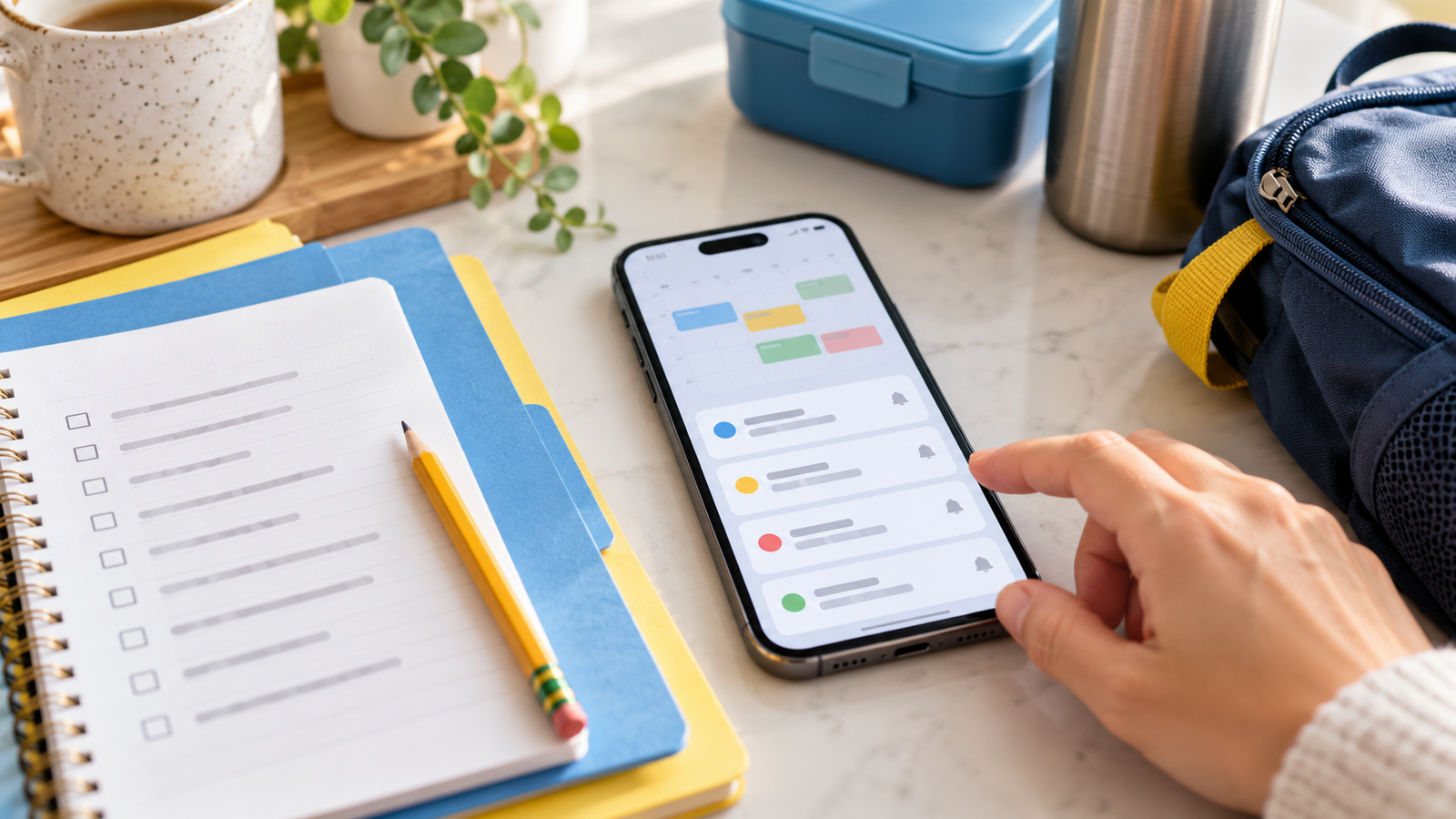
School deadlines can sneak up on parents quickly. One day a teacher sends an email. Another day a school app posts a reminder. A form comes home in a backpack. A due date appears in Google Classroom or Canvas. Each item may seem small, but together they can become hard to track.
I have had moments when I almost missed a school deadline simply because the information was in too many different places. I saw the message once, thought I would remember it, and then life got busy. By the time I thought about it again, the deadline was much closer than I expected.
That is where phone reminders can help. They are not a perfect system, but they are simple, fast, and always nearby. For busy parents, a reminder on the phone can be the difference between “I forgot” and “I still have time.”
1. Add the Reminder as Soon as You See the Deadline
The most important habit is to add the reminder right away.
If I read a school email and think, “I will add this later,” there is a good chance I will forget. The same thing can happen with school apps. A deadline may appear in Google Classroom, Canvas, Skyward, or a teacher message, but if I do not capture it quickly, it gets buried.
When you see a deadline, add it to your phone immediately.
Examples:
- Return permission slip by Friday
- Check missing assignments tonight
- Bring signed form tomorrow
- Parent-teacher conference at 2:30 PM
- Science project due next Wednesday
- Review gradebook on Sunday evening
The reminder does not need to be perfectly written. It just needs to tell you what to do.
2. Use Clear Reminder Titles
A vague reminder is not very helpful. If your phone says “School,” you may not remember what that means.
A better reminder title includes the action.
Instead of:
School
Use:
Sign field trip form
Instead of:
Teacher
Use:
Email teacher about missing assignment
Instead of:
Canvas
Use:
Check Canvas writing assignment
Clear titles save time because you do not have to figure out what you meant later.
3. Set the Reminder Before the Real Deadline
One mistake is setting the reminder for the exact deadline time. That may be too late.
If a form is due Friday morning, a Friday morning reminder may not help much. You may be driving, getting ready, or already out of time. It is better to set the reminder earlier.
For school deadlines, I like using two reminders when something is important:
- One reminder a few days before
- One reminder the night before
For example:
Tuesday 7:00 PM - Sign field trip form
Thursday 7:30 PM - Put signed form in backpack
This works better than one last-minute reminder because it gives the family time to act.
4. Use Evening Reminders for Parent Tasks
Many school tasks are parent tasks, not student tasks. These often work better as evening reminders.
For example:
- Sign a document
- Reply to a teacher email
- Check the gradebook
- Print a worksheet
- Upload a form
- Review missing assignments
Evening reminders are useful because parents are usually not trying to solve these things during the school morning. Morning is already busy. Evening gives more space to read, check, and respond.
A simple routine could be:
7:30 PM - Check school reminders
This one reminder can become a daily or weekly habit.
5. Connect Reminders With School Apps
Phone reminders work best when they point you back to the right place.
If the information is in Google Classroom, write that in the reminder.
Example:
Check Google Classroom math assignment
If the information is in Canvas, write:
Review Canvas English module
If the information is in email, write:
Reply to Ms. Smith's email about conference time
If the information is in Skyward or another gradebook, write:
Check Skyward gradebook for missing work
This helps because school information is often spread across different tools. A reminder should not only tell you what to do. It should also tell you where to look.
6. Use Repeating Reminders Carefully
Repeating reminders can be helpful, but too many can become annoying.
A good repeating reminder might be:
Sunday 6:00 PM - Check school apps and emails
This gives parents one regular time to look at school information before the new week begins.
Another useful reminder might be:
Friday 7:00 PM - Review missing assignments
This can help families catch problems before they become bigger.
But I would avoid too many daily reminders unless they are truly needed. If the phone sends too many alerts, parents may start ignoring them. A few useful reminders are better than many noisy ones.
7. Keep School Reminders Separate From Other Tasks
If possible, use a school-related list or category in your reminder app.
For example:
School
or
Parent School Tasks
This keeps school reminders separate from grocery lists, work tasks, appointments, and personal errands.
When school tasks are mixed with everything else, they are easier to miss. A separate list makes it easier to scan what needs attention.
You do not need a complicated app for this. The built-in Reminders app on iPhone or Google Tasks on Android can be enough.
8. Delete or Complete Old Reminders
Old reminders can make the system messy. If a reminder is finished, mark it complete. If it no longer matters, delete it.
This seems small, but it helps a lot. When old reminders stay on the list, the important ones are harder to see.
A clean reminder list gives parents a better sense of what actually needs attention now.
9. Make the Reminder System Simple Enough to Keep Using
The best reminder system is the one you will actually use.
It does not need color coding, complicated labels, or a special app. For many parents, the basic phone reminder app is enough.
A simple system might look like this:
- Add school deadlines as soon as you see them
- Use clear action words
- Set reminders before the real deadline
- Use evening reminders for parent tasks
- Check school apps once a week
- Clear old reminders regularly
That is enough to prevent many missed deadlines.
Final Thoughts
School deadlines can be easy to miss because information comes from many places: emails, apps, gradebooks, teacher messages, and paper forms. Parents do not need to remember everything by themselves.
Phone reminders can act like a small safety net. They help parents capture important tasks before they disappear into a busy day.
The goal is not to make school life perfect. The goal is to reduce the chance of forgetting something important and give the family a little more breathing room.
Leave a Reply