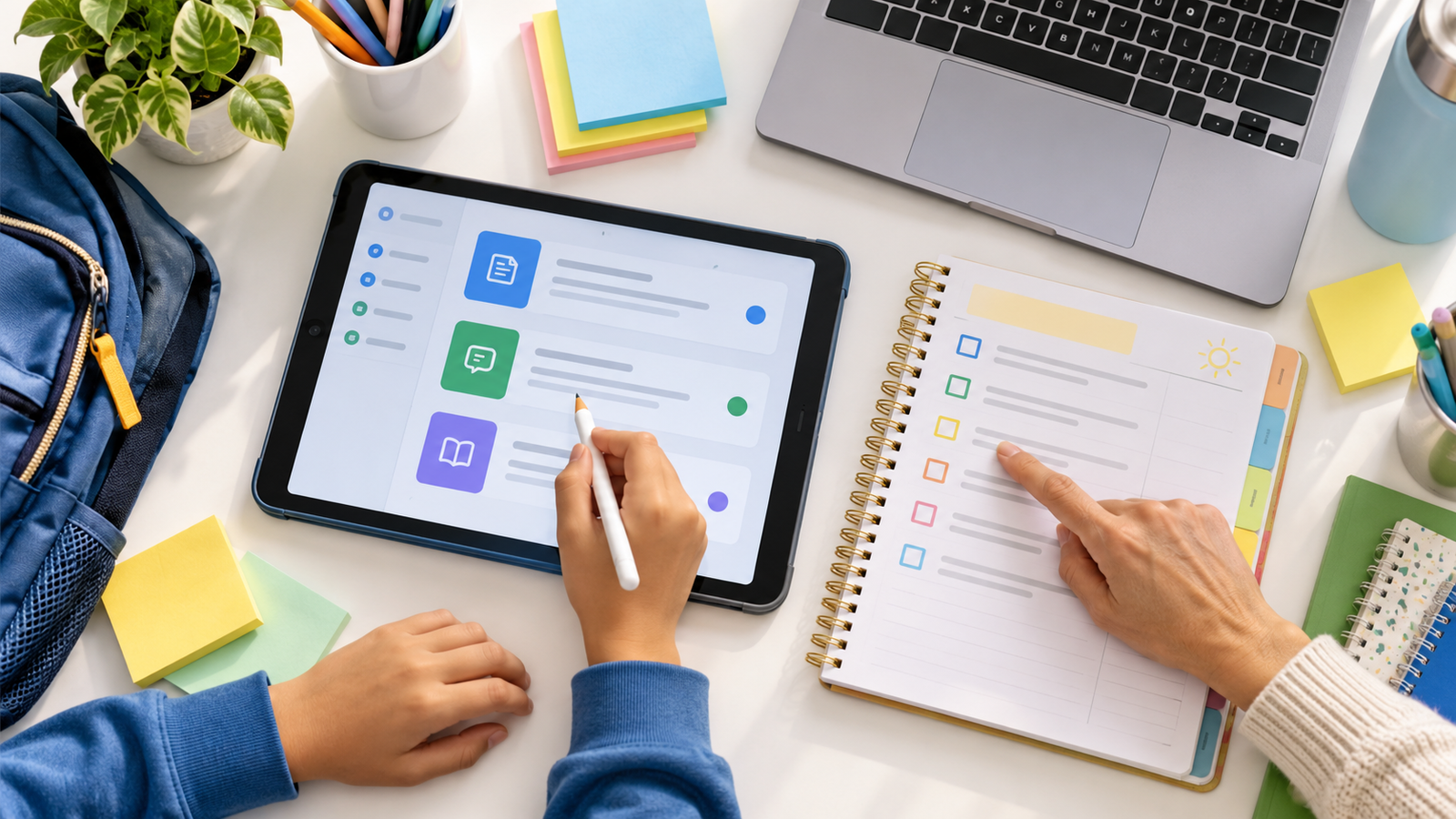
Homework can become harder to manage when school information is spread across different digital tools.
In our home, this became clear during busy school weeks. Some assignments were posted in Google Classroom. Some appeared in Canvas. Other information came through email, a school app, or a paper handout brought home from school.
At first, it seemed like checking the school app once in a while would be enough. But that was not always true. A due date might be in one place, teacher comments might be somewhere else, and the actual document or assignment link might be inside another section.
The problem was not the technology itself. The problem was that homework information was spread across too many places.
That is why a simple routine matters. The goal is not to monitor every detail. The goal is to help parents and students know what needs attention before it becomes stressful.
1. Choose One Homework Check Time
The first step is to choose one regular time to check homework.
This does not need to be long. Even 10 to 15 minutes can help. For many families, this works well after school, after dinner, or before screen time.
During this time, parents and students can quickly check:
- what assignments are due soon
- what has already been submitted
- what still needs work
- whether there are teacher comments
- whether anything should be added to the family calendar
A regular homework check time helps prevent last-minute surprises.
2. Start With the Main School Platform
Many schools use a main platform such as Google Classroom, Canvas, Schoology, or another learning system.
Start with the platform your child’s school uses most often. If your child uses Google Classroom, check the class stream, classwork section, and due dates. If your child uses Canvas, check the dashboard, calendar, to-do list, and individual course pages.
The exact platform may be different, but the parent habit is the same: start with the main place where assignments are posted.
This helps reduce confusion. Instead of jumping between email, apps, and messages, begin with the main school platform first.
3. Learn Where Assignments and Due Dates Appear
One thing that can confuse parents is that each platform organizes information differently.
In Google Classroom, an assignment may appear under Classwork, in the stream, or inside a specific topic. In Canvas, assignments may appear on the dashboard, in the course calendar, in modules, or in the to-do list.
Parents do not need to become experts in every feature. But knowing where to check assignments, due dates, and teacher comments can make the weekly routine much easier.
A few minutes of learning where things are posted can save a lot of searching later.
4. Check Whether Work Was Submitted
Seeing an assignment does not always mean it has been submitted.
This is one detail that is easy to miss. A student may open the assignment, start the work, or save a document, but still need to click submit or turn in.
In Google Classroom, parents and students can check whether an assignment is marked as turned in. In Canvas, they can look for submission status, missing work, or teacher feedback.
A helpful question is:
“Is it finished, or is it actually submitted?”
That small question can prevent confusion later, especially with online homework.
5. Move Important Due Dates to the Family Calendar
Google Classroom and Canvas may show due dates, but it is still helpful to move important dates to the family calendar.
This is especially useful for bigger assignments, tests, projects, presentations, or anything that needs parent support.
For example, you can add:
- science project due Friday
- math test Thursday
- essay draft due Wednesday
- reading log due Monday
- presentation practice Tuesday
- bring supplies for class project
The school platform may hold the assignment details, but the family calendar gives everyone a simple view of the week.
6. Use Short Notes Instead of Long Reminders
Parents do not need to rewrite the whole assignment.
A short note is often enough. For example:
- Finish worksheet
- Review vocabulary
- Submit online quiz
- Upload document
- Check teacher feedback
- Practice presentation
Short notes are easier to read and less overwhelming. If the assignment has detailed instructions, keep those details inside Google Classroom, Canvas, or the school platform.
The calendar note should only remind the family what needs attention.
7. Create a Small Homework Folder
A homework folder can be digital, physical, or both.
For paper assignments, a simple folder in the backpack can help. For digital assignments, students may need help keeping files organized.
A digital homework folder might include:
- current assignments
- project documents
- study guides
- downloaded worksheets
- writing drafts
- presentation files
This can be especially useful when students download files from Canvas, Google Classroom, or email. Without a simple folder, documents can get lost in downloads or saved in different places.
8. Avoid Too Many Notifications
Homework reminders can be useful, but too many alerts can become distracting.
Google Classroom, Canvas, email, and school apps may all send notifications. If every small update creates an alert, both parents and students may start ignoring them.
It may help to keep notifications for important items such as:
- missing assignments
- due dates
- teacher comments
- grade updates
- schedule changes
For everyday homework, a regular check-in routine may work better than constant phone alerts.
9. Let the Student Take Part in the Routine
A homework routine should not depend only on the parent.
Students can learn to check assignments, open the right platform, review due dates, and confirm whether work has been submitted. Parents can support the process without doing everything for them.
Helpful questions include:
- What is due tomorrow?
- What is due later this week?
- Where is the assignment posted?
- Did you submit it?
- Did the teacher leave feedback?
- Do you need help with anything?
These questions help students practice responsibility while still receiving support.
10. Keep the System Simple
A homework system should make school life easier, not more complicated.
You do not need a perfect app setup. You do not need color coding for every subject. You do not need to track every small detail inside every platform.
For many families, a simple routine is enough:
- check the main school platform
- look at due dates
- confirm whether work was submitted
- add important dates to the family calendar
- keep files in one place
- use reminders only when needed
The best system is one your family can keep using during a normal busy week.
Final Thoughts
Google Classroom, Canvas, and other school apps can help families stay informed, but they can also feel confusing when homework information is spread across different places.
A simple homework routine can make the process easier. Choose one regular homework check time. Start with the main school platform. Learn where assignments and due dates appear. Confirm whether work was submitted. Move important dates to the family calendar.
The goal is not to watch every assignment perfectly. The goal is to help students and parents see what needs attention, reduce last-minute stress, and build a routine that works in real family life.